Content Calendars & Scheduling
Transition from chaotic daily posting to a predictable, batch-produced publishing cadence.
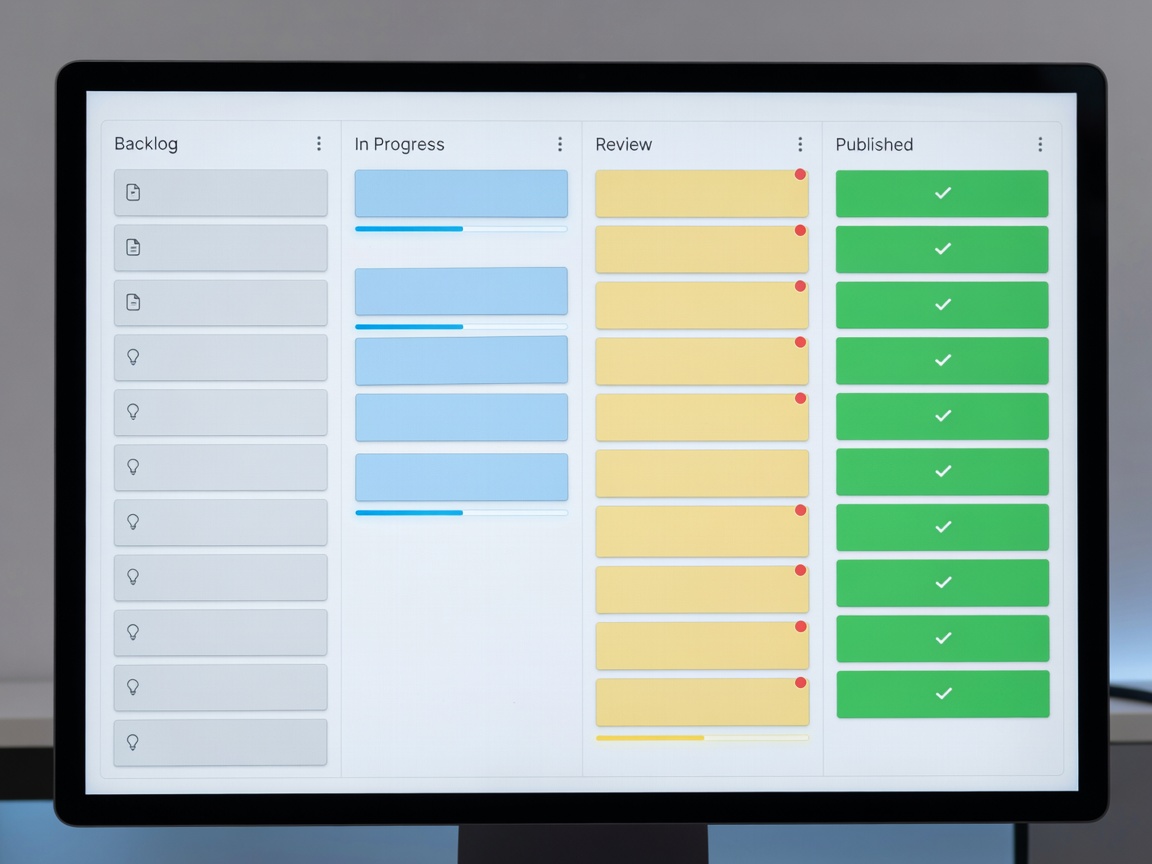
The Chaos of Day-to-Day Publishing
Relying on daily inspiration to produce and publish content is a fast track to burnout. The stress of waking up and realizing you have nothing prepared for your audience limits your creative potential and forces you into reactive work. Establishing a robust content calendar allows you to zoom out, view your content strategy holistically, and reclaim your time through batch production.
Core Functions of a Content Calendar
A proper content calendar does more than just tell you when to hit "publish." It serves as the central nervous system for your entire production pipeline. At minimum, a functioning calendar system should track:
- Status: Is the piece an idea, in research, drafting, editing, or scheduled?
- Platform: Which social channels or platforms are receiving this content?
- Assets: Links to necessary graphics, raw files, or external references.
- Publish Date: The exact date and time the content goes live.
Choosing the Right Tool Format
Creators generally build their calendars using one of three primary software formats, each with distinct advantages.
1. Spreadsheets
The traditional approach uses rows and columns to track dates and details. While functionally infinite in their customization, spreadsheets can become visually overwhelming. They are excellent for solo creators who need simple, data-dense overviews without paying subscription fees.
2. Kanban Boards
Kanban methodologies represent content pieces as cards that move horizontally across columns (e.g., from "To Do" to "Doing" to "Done"). This visual representation is highly popular among video creators and podcasters, as it immediately highlights production bottlenecks. If your "Editing" column is overflowing, you know exactly where you need to focus your energy.
3. Dedicated Scheduling Apps
While planning tools manage the workflow, dedicated scheduling apps manage the distribution. These platforms connect directly to platform APIs, allowing you to upload your finished assets, write the captions, and set the publish time in advance. The software handles the actual posting while you sleep or focus on new projects.
The Power of Batch Production
A calendar enables batch production. Instead of setting up lights, microphones, and cameras to shoot one video, a calendar allows you to write four scripts in advance and film them all on a single afternoon. You then batch edit them on another day. Task switching is cognitively expensive; grouping similar tasks together maximizes your efficiency and ensures your calendar remains populated weeks in advance.
Analyzing and Adapting
Finally, a scheduled calendar allows you to strategically analyze performance. By tagging content categories within your calendar, you can review your history and determine if specific topics, formats, or publishing times yield better engagement. You are no longer guessing; you are making data-driven decisions based on a documented publishing history.