Video Editing Efficiency & Workflows
Stop drowning in the timeline. Optimize your post-production to focus on story rather than software lag.
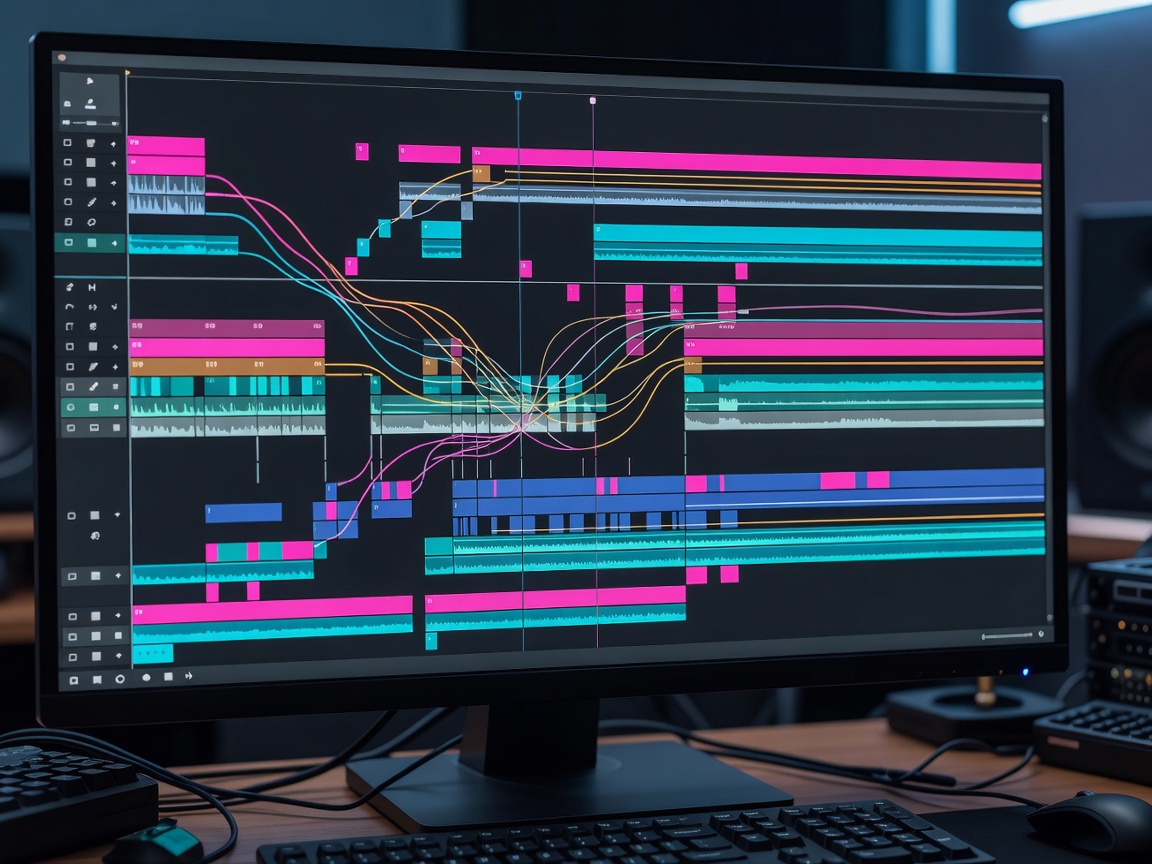
The Post-Production Bottleneck
For independent video creators, editing often consumes more hours than scripting and shooting combined. A poorly optimized editing workflow can turn a fun project into a gruelling marathon. Improving efficiency in the edit bay isn't just about rendering faster; it's about reducing the micro-frictions that break your creative flow.
Hardware Optimization and Proxy Workflows
Modern cameras shoot in high-resolution, heavily compressed formats that require immense processing power to decode on the fly. Dropped frames and scrubbing lag are the enemies of a fast edit.
Instead of constantly upgrading expensive hardware, professional editors utilize proxy workflows. A proxy is a low-resolution, edit-friendly copy of your raw footage. Your editing software links to the lightweight proxies while you cut the sequence, ensuring buttery-smooth playback. When it is time to export, the software seamlessly references the original high-resolution files. This singular workflow adjustment can save hours of frustration on a single project, allowing even mid-range laptops to handle complex multi-cam sequences.
Keyboard Shortcuts and Macros
If your hand is constantly reaching for the mouse to perform repetitive actions like blade cuts, ripple deletes, or nudging clips, you are losing valuable time. Mastering your software's keyboard shortcuts is mandatory for efficiency.
Customizing the Setup
Don't settle for default layouts. Re-map your most frequently used tools to the keys immediately resting under your left hand (assuming a right-handed mouse grip). Keys like Q, W, E, and R should trigger your primary cutting and trimming functions.
Macro Pads
Advanced editors often implement dedicated macro keypads or gaming mice with programmable thumb buttons. A single button press can be mapped to trigger a complex sequence of actions, such as "select clip, apply specific color grade preset, lower audio by 3dB, and ripple delete the gap."
Standardizing Folder Structures
A fast edit begins before the software even opens. Create a master template folder structure on your hard drive that contains empty subfolders for Audio, B-Roll, Project Files, Exports, and Assets. Duplicate this template for every new project. When everything has a designated place, you never waste mental energy searching for a missing sound effect or graphics file. Furthermore, this standardization is essential if you ever plan to hand off a project to an assistant editor or collaborator.
Template Driven Editing
Stop rebuilding recurring elements from scratch. Lower thirds, intro sequences, end screens, and favorite sound effects should exist in an accessible template project or bin. Many modern non-linear editors allow you to build dynamic motion graphic templates that can be dragged directly onto the timeline, where you only need to change the text parameters. Building these assets requires an upfront time investment, but the compound interest they pay over hundreds of videos is astronomical.